
Projects
Platforms:
claudeopenaigeminim365-copilotperplexity
What Projects Are
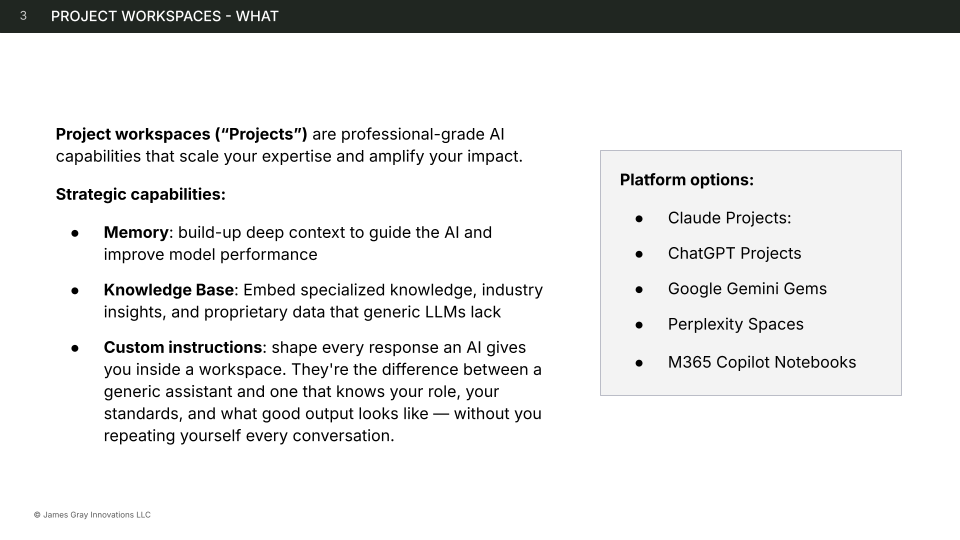
Section titled “What Projects Are”Project workspaces (“Projects”) are professional-grade AI capabilities that scale your expertise and amplify your impact. Instead of starting every conversation from scratch, a project gives the AI persistent memory, specialized knowledge, and standing instructions that shape every interaction.
Strategic Capabilities
Section titled “Strategic Capabilities”Projects provide three capabilities that turn a generic AI assistant into a purpose-built tool:
Memory
Section titled “Memory”Build up deep context to guide the AI and improve model performance. Every conversation in a project contributes to a shared history, so the AI learns your preferences, terminology, and working patterns over time.
Knowledge Base
Section titled “Knowledge Base”Embed specialized knowledge, industry insights, and proprietary data that generic LLMs lack. Upload reference documents, style guides, templates, data files, and examples — the AI draws on this knowledge in every conversation without you re-uploading it.
Custom Instructions
Section titled “Custom Instructions”Shape every response an AI gives you inside a workspace. Custom instructions are the difference between a generic assistant and one that knows your role, your standards, and what good output looks like — without you repeating yourself every conversation.
Platform Options
Section titled “Platform Options”| Platform | Project Feature | Key Characteristics |
|---|---|---|
| Claude | Claude Projects | Project knowledge files, custom instructions, conversation history |
| ChatGPT | ChatGPT Projects | Project instructions, file uploads, shared conversations |
| Google Gemini | Gems | Custom instructions, uploaded context, reusable specialists |
| Perplexity | Spaces | Shared research spaces with persistent sources and instructions |
| M365 Copilot | Copilot Notebooks | Instructions, Microsoft Graph integration, enterprise knowledge |
When to Use a Project
Section titled “When to Use a Project”Use a project when:
- You run the same workflow weekly or more often
- Multiple context files (3+) are needed every time
- The same reference materials are used across conversations
- Conversation memory across sessions would improve quality
- Multiple people need to run the same workflow
Use a regular conversation when:
- The task is a one-off or experimental
- Little or no persistent context is needed (0-2 files)
- All context can be provided inline each time
What Makes a Good Project
Section titled “What Makes a Good Project”The best projects follow one principle: one workspace, one purpose.
A “marketing workspace” is too broad. A “blog post review workspace” or “weekly client report workspace” is focused enough to have clear instructions, relevant knowledge, and consistent output quality.
Good projects have:
- A clear single purpose — what this workspace does, stated in one sentence
- Specific custom instructions — role, task, context, and format guidance (not vague “be helpful” statements)
- Curated knowledge — only the reference materials this workflow actually needs
- Test prompts — 2-3 prompts you can use to verify the workspace works as intended
Guides
Section titled “Guides”| Guide | Description |
|---|---|
| Write Custom Workspace Instructions | Meta prompt that walks you through creating purpose-built workspace instructions using the 4 Elements framework |
| Set Up Claude Projects | Step-by-step setup guide for Claude’s project feature |
Related
Section titled “Related”- Agentic Building Blocks — Projects in the context of all building blocks
- AI Use Cases — what teams build with projects, organized by six primitives
- Prompts — techniques for the prompts that go inside projects
- Business-First AI Framework — uses projects as a building block in workflow analysis